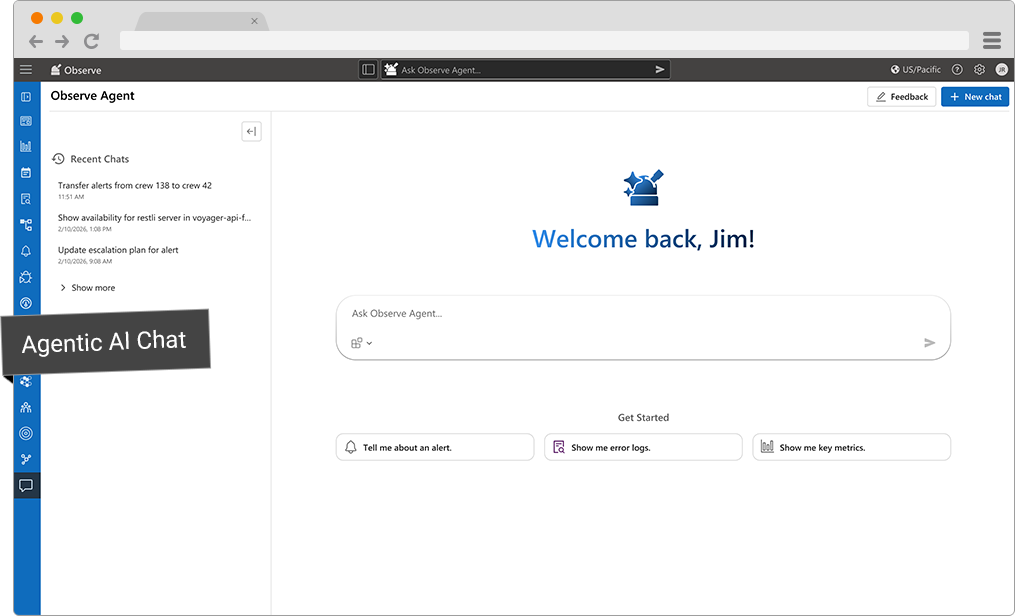
As Product Designer at LinkedIn, I collaborated closely with product engineers to design a front-end conversational experience for an AI agent for observability products used by 10,000 employees. The result was a major decrease in the amount of time it takes developers to find root causes for performance incidents such as service disruptions and network latency.
Outcome: faster incident triage, lower cognitive load, a trusted AI surface
AI in Context
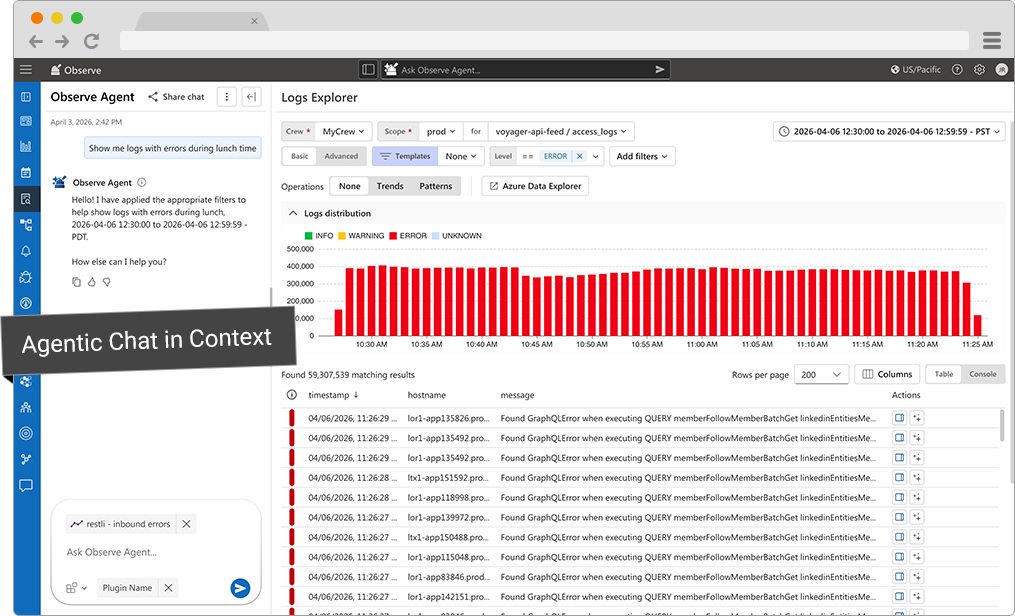
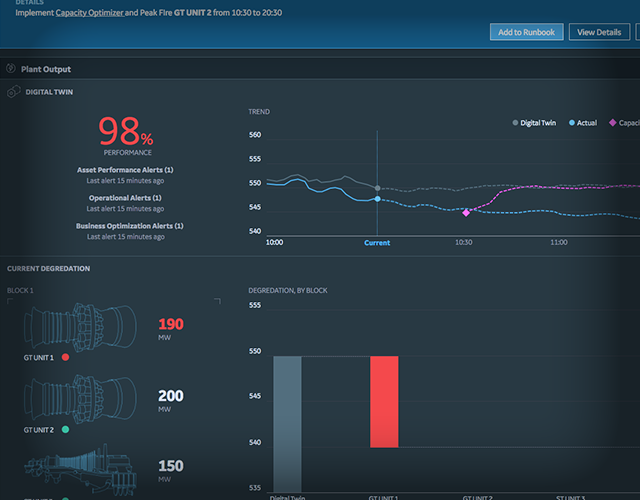
One product design goal was to create a conversational assistant that feels native to LinkedIn engineers, and seamlessly integrated with existing views so that user and agent can chat in context with adjacent UI elements.
UI Principles
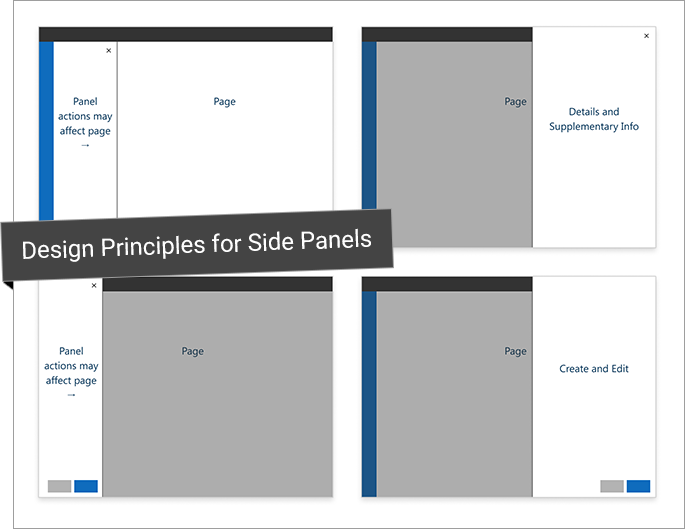
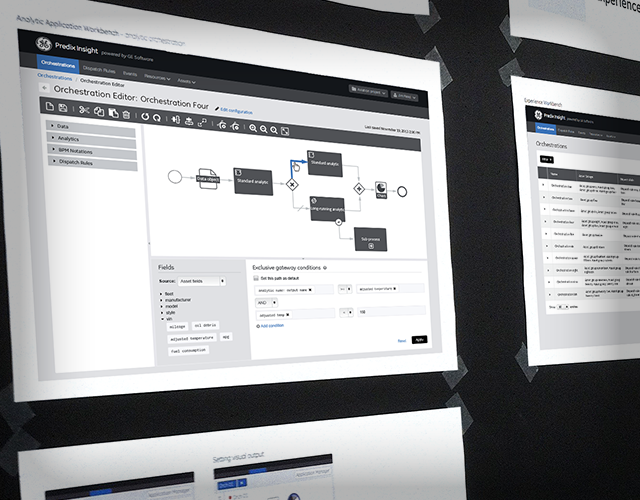
To help the team decide how the chat experience shares screen real estate with the existing application, and to establish meaningful placement of side panels, I conducted an audit of existing panels and used a basic storyboard to communicate the design rationale for panel placement.
Elements and Interactions
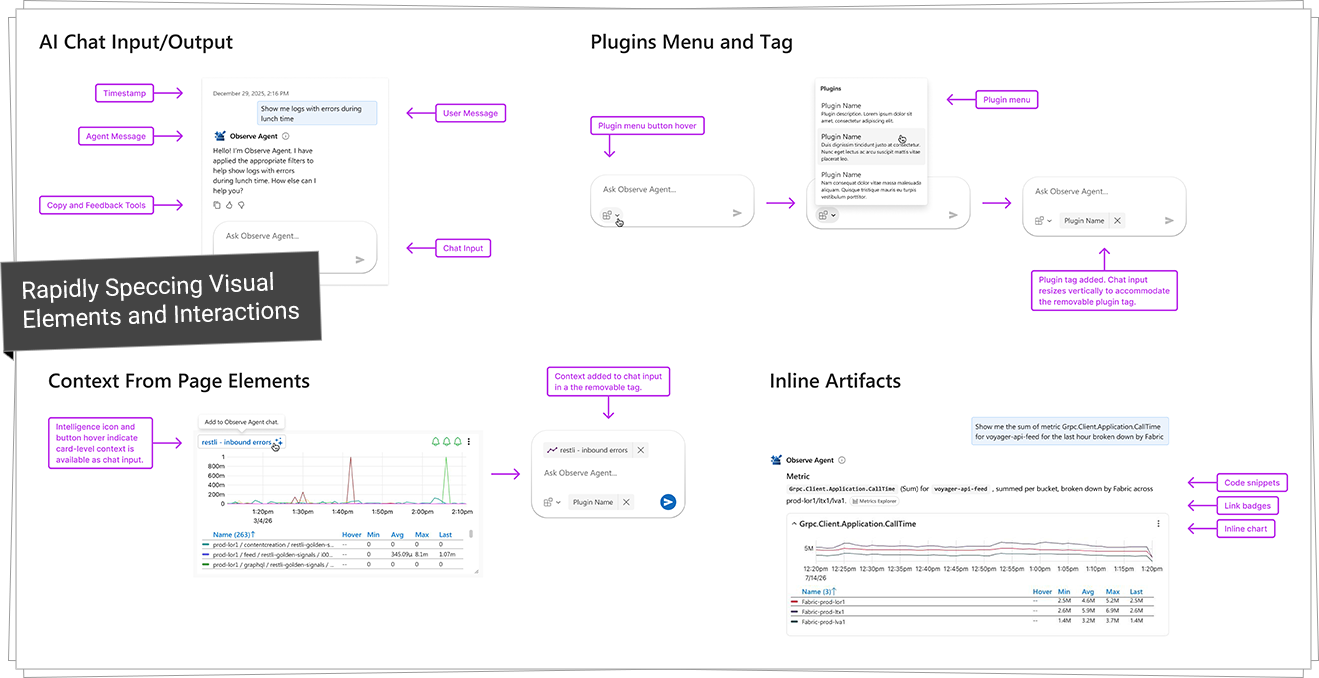
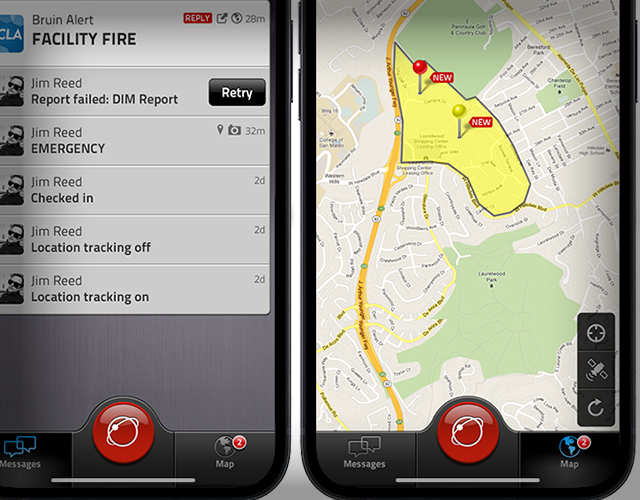
To help developers move fast, I spec’d critical elements and interactions with a thoughtful design language. Critical components include plugins, contextual input, and inline artifacts such as charts. These components enable better contextual input and quicker answers for the user.
User Needs
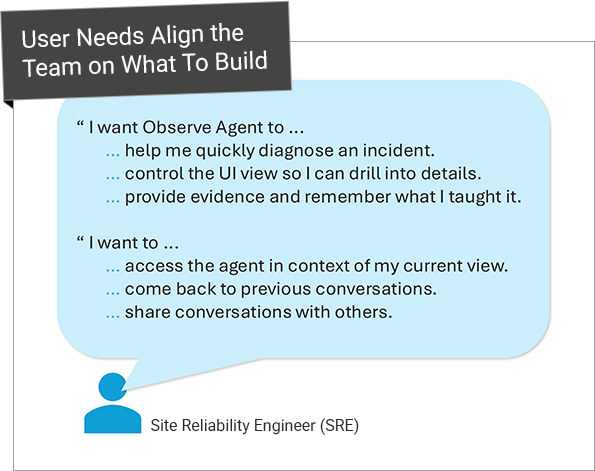
The primary persona is a Site Reliability Engineer (SRE) or an On-call Engineer in mid-incident. Before designing anything, I outlined some basic user needs to align team on what we were building.
Common context: high-pressure, multi-tab workflows, fragmented tooling (alerts, metrics, logs, deployments)
Branding
I created custom graphical icons instead of using a generic bot icon. A custom icon reinforces the custom solution as a trusted tool.
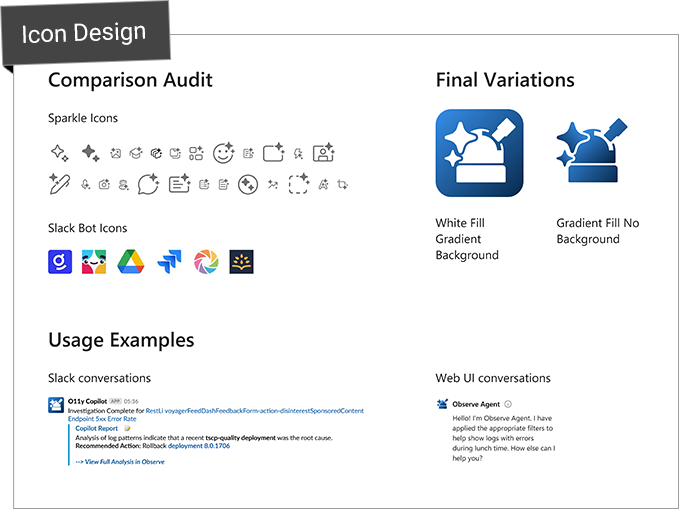
Icon design work started with a comparison audit to uncover best practices and recognizable patterns. The final icon design used sparkle glyphs to indicate AI, and the shape of a telescope to indicate Observe. I create variations to use in multiple experience channels such as the application UI and Slack.